If you run training programs on LearnDash, you already know the pain: every time a group leader needs to enable or disable a course for their team, they email you. Every. Single. Time.
LearnDash Group Leader Course Toggle (GLCT) eliminates that bottleneck. It gives group leaders direct control over course access for their teams — with full audit logging, governance controls, and compliance features that keep site admins in the driver’s seat.
What It Does
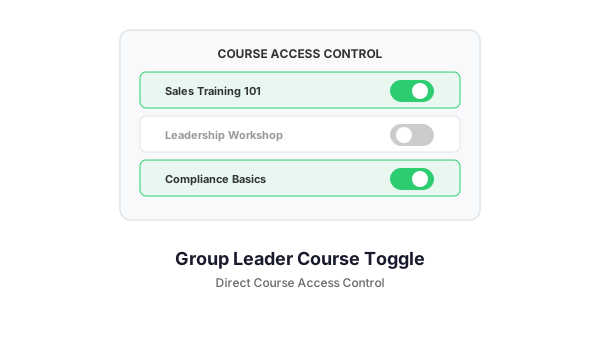
GLCT adds a management dashboard to LearnDash that lets group leaders toggle course access on and off — per group or per individual learner. Site admins define the guardrails. Group leaders operate within them. Everyone stays accountable.
Key Features
Per-Group and Per-User Course Toggling
Enable or disable any course for an entire group with one click. Need finer control? Override access at the individual learner level. The system handles multi-group learners intelligently — if one group enables a course, the learner keeps access even if another group disables it.
Site Admin Governance Controls
11+ restriction toggles let site admins decide exactly what group leaders can and cannot do. Allow or block progress wiping, course removal, bulk operations, per-user overrides, and course expansion via tags. Compliance teams love this.
Full Audit Logging
Every action — course toggles, access overrides, progress wipes, email sends, deadline changes — gets logged with timestamps, the actor, the target group or user, and the resulting state. Filter by action type, search by group or course name, and export the full log to CSV for compliance reporting.
Deadline Management
Set course deadlines per group. The system automatically sends reminders as deadlines approach and flags overdue learners. Schedule future course toggles so access opens and closes on your timeline, not when someone remembers to click a button.
Group Email System
Send targeted emails to all members of a group — or selected members — directly from the dashboard. Emails process through a background queue, so sending to 1,000+ recipients does not time out your server. Merge tags ({first_name}, {course_name}, etc.) personalize every message.
Learner Notifications
When course access changes, learners see popup notifications on their next login. A notification bell in the site navigation shows unread alerts. Learners can dismiss, view details, and mark notifications as read. Notifications auto-purge after a configurable retention period.
AI-Powered Recommendations (Optional)
Connect your preferred AI provider — Claude, OpenAI, or Google Gemini — to get per-group course recommendations based on completion patterns, engagement data, and available courses. All data sent to the API is anonymized (no names or emails).
Course Expansion via Tags
Admins assign tags to groups (Onboarding, Compliance, Advanced, etc.). Group leaders can then browse and add any course matching their assigned tags — without needing admin intervention. It is controlled flexibility.
Who It Is For
- Enterprise training departments that need distributed access management without sacrificing oversight
- Law enforcement academies and compliance-heavy organizations requiring audit trails
- Multi-location companies with local training managers who need autonomy within guardrails
- EdTech platforms offering white-labeled learning to partner organizations
Requirements
- WordPress 6.0+
- LearnDash LMS
- PHP 7.4+
How It Works with the Toggle Ecosystem
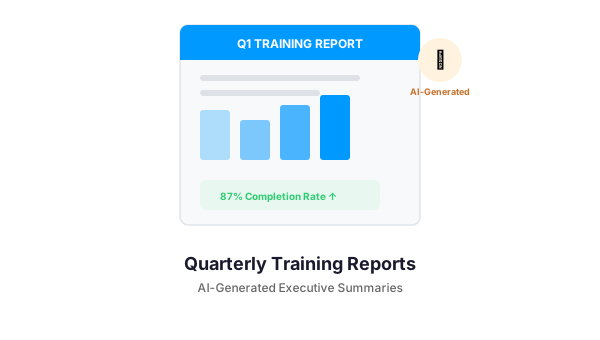
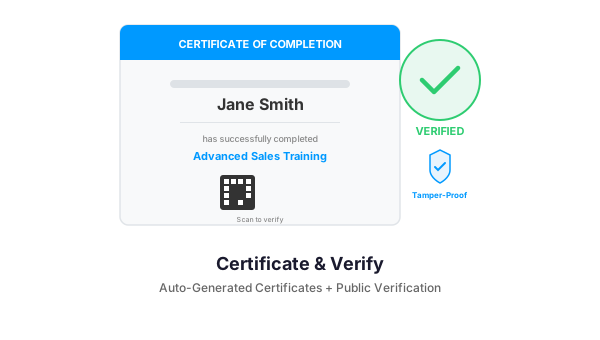
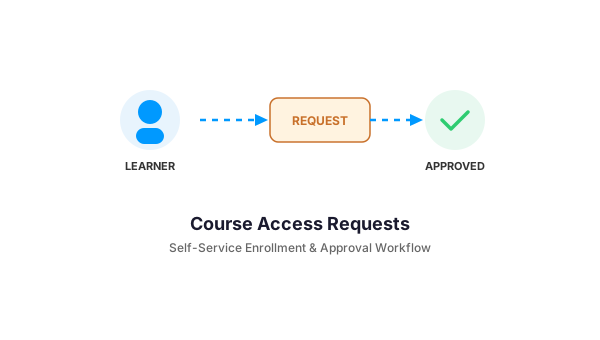
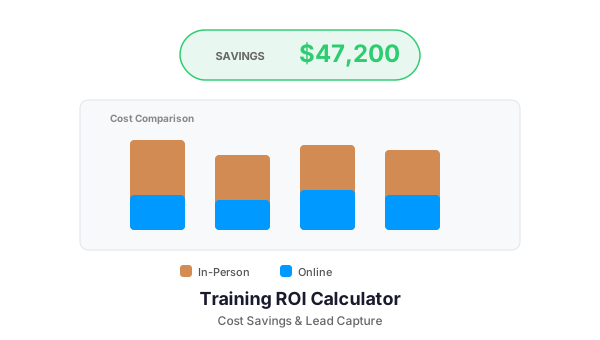
GLCT is the foundation of the Toggle plugin ecosystem. It powers five specialized add-ons: Access Requests (formal approval workflows), Certificates (automated PDF generation), Quarterly Reports (AI-generated performance summaries), Training Calculator (ROI tools with lead capture), and the BuddyBoss App Bridge (mobile integration). Each add-on extends GLCT’s group-aware architecture.
Get Started
If your LearnDash site has more than a handful of groups and you are tired of being the bottleneck for every course access change, GLCT pays for itself on day one. Contact us to learn more or schedule a demo.
Need a Custom LearnDash Solution?
We build WordPress plugins and integrations for LearnDash-powered training platforms. Let us know what you need — from custom reporting to mobile app bridges.